Payment Methods
Selected: None
Popular
DANA
GoPay
OVO
QRIS All Payment
DANA Payment Details
DANA Number
0857-0264-6801
Account Name: Santoso
How to Pay with DANA
- Open your DANA app
- Tap "Send" or "Transfer"
- Enter the number: 0857-0264-6801
- Enter the amount and confirm payment
- Save the receipt for your records
GoPay Payment Details
GoPay Number
0857-0264-6801
Account Name: YogaPratama
How to Pay with GoPay
- Open your Gojek app
- Tap "Pay" or "Send"
- Enter the number: 0857-0264-6801
- Enter the amount and confirm payment
- Wait for payment confirmation
OVO Payment Details
OVO Number
0857-0264-6801
Account Name: Yogaaa
How to Pay with OVO
- Open your OVO app
- Tap "Transfer"
- Enter the number: 0857-0264-6801
- Enter the amount and confirm payment
- Check payment status in transaction history
QRIS All Payment Details
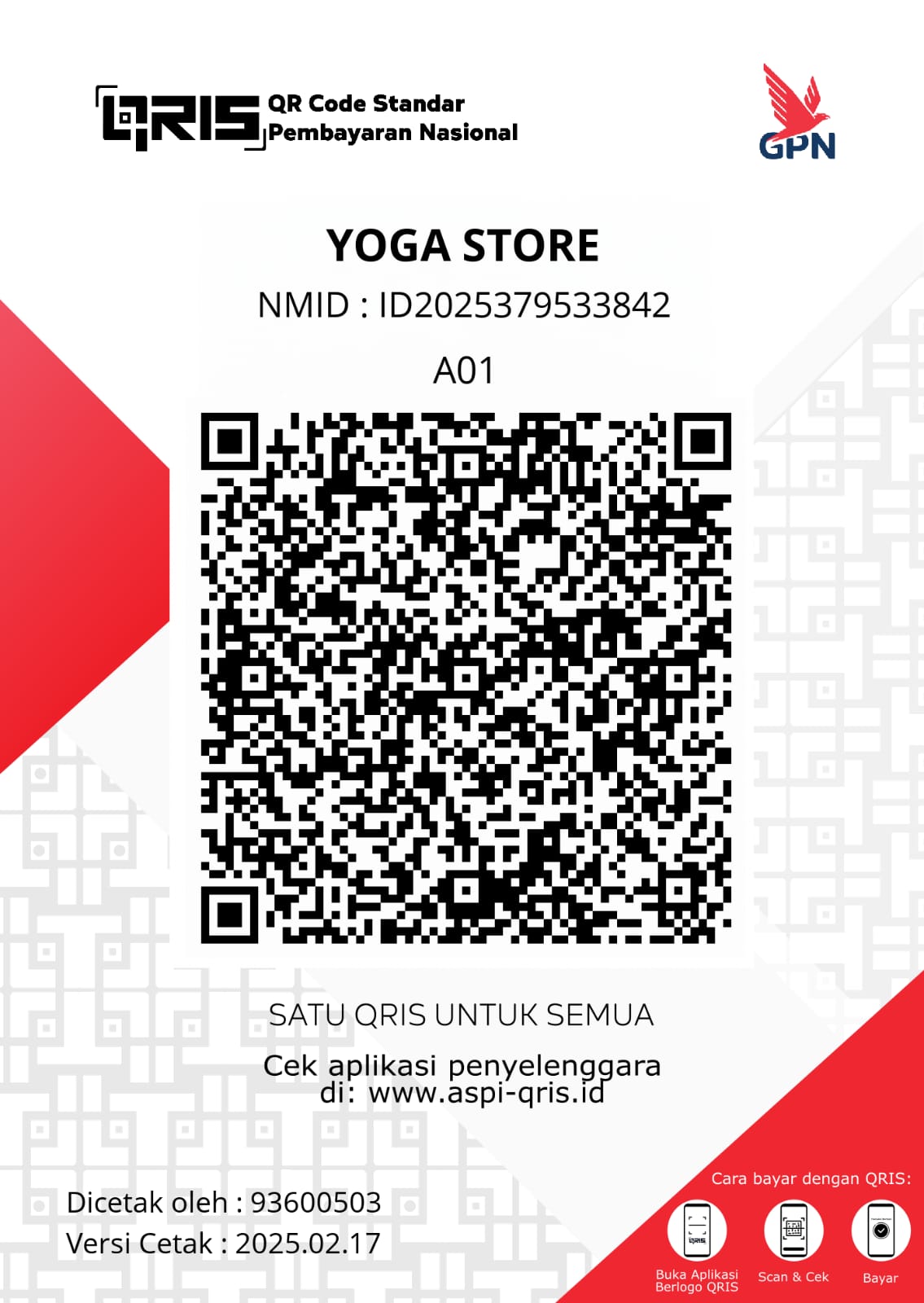
QRIS ID
YogaStore
Merchant: Yoga Payments
How to Pay with QRIS
- Open your banking app that supports QRIS
- Select "Scan QR" or "QRIS" option
- Scan the QR code above
- Enter the amount and confirm payment
- Keep the transaction receipt for verification